Patient Page
The Patient Page in Blume has been designed to provide a more organized and intuitive experience. It enables primary account holders and their family members to manage personal details, contact information, addresses, emergency contacts, and documents in one convenient location.
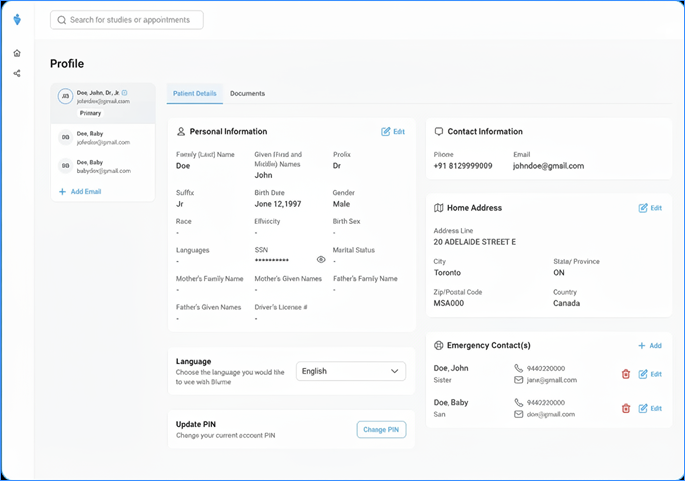
Account Structure
- Primary Account Holder
- The email address used during registration becomes the primary account.
- Primary account status cannot be changed.
- Secondary Profiles
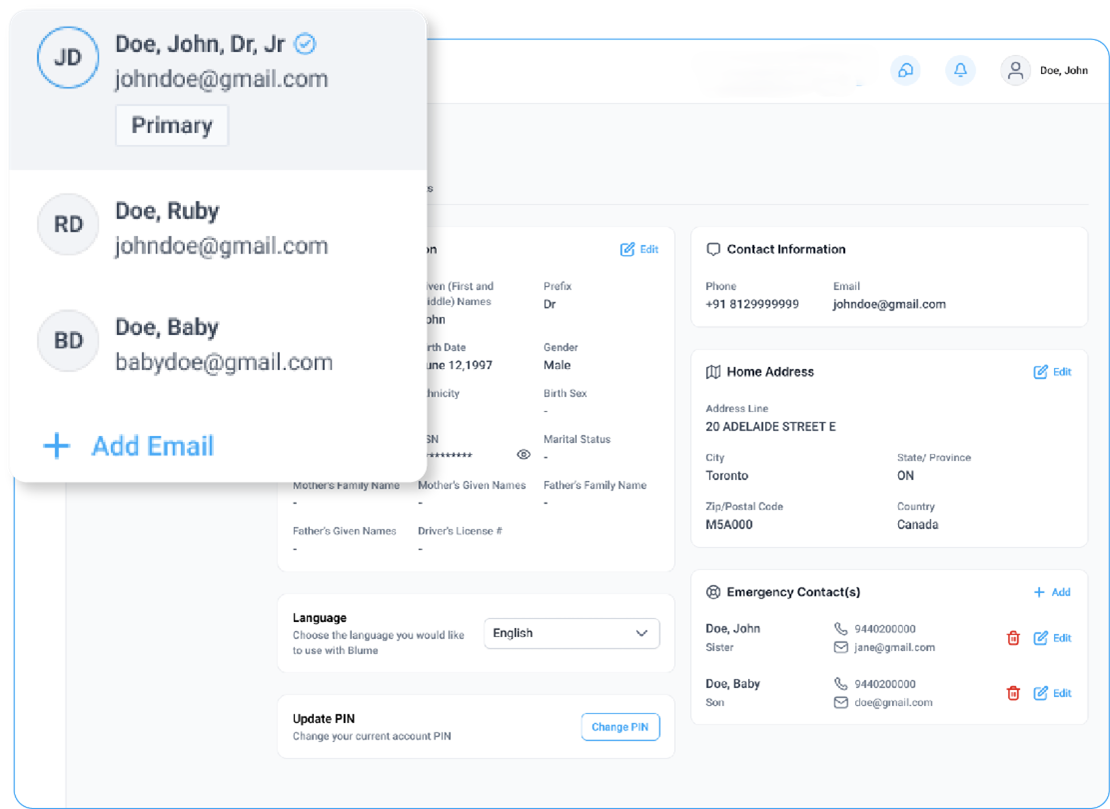
- Family members (e.g., spouse, children) can be added under the primary account.
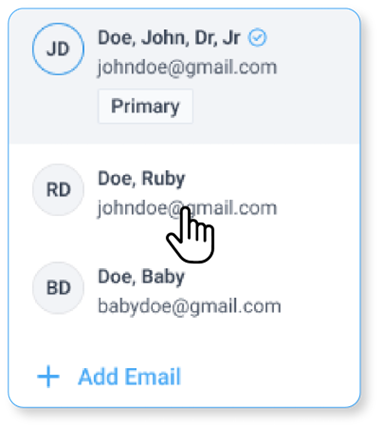
- Switching between profiles updates all related details, including personal information, contact information, address, and emergency contacts.
At the top of the Profile section, the name, full name, and email address of the primary account holder are visible.
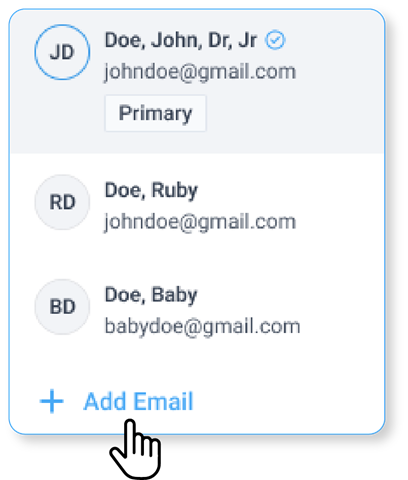
- A drop-down menu allows users to view and switch between family member profiles.
- An Add Email button is available to connect additional email addresses (refer to the Connect Email Flow).