Changing Region
Can I change my region manually on mobile application?
Yes, in the mobile application, users can manually change their region from the Profile Settings; However, this does not provide access to data from another region.
In the web application, the option to change region is not available in the settings; however, users can do so by modifying the URL.
Note:
Changing the region does not bypass data restrictions. Users will not be able to access records or information stored in a different region.
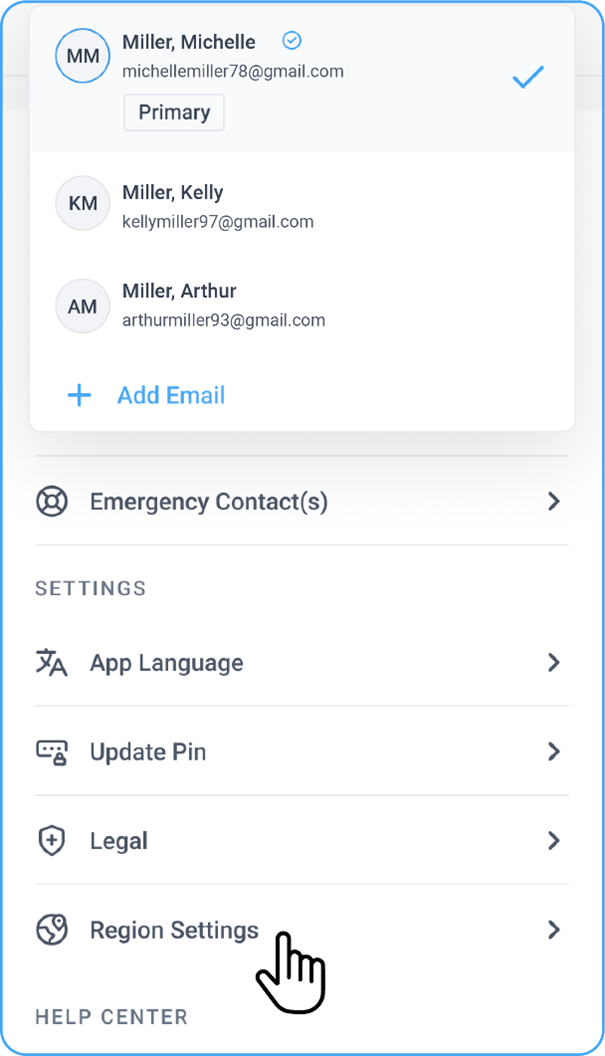
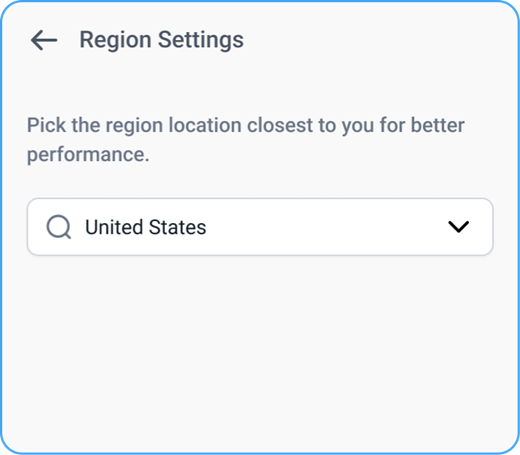
For example:
• A user registered under the India region can manually switch to .com (US), but their data will still be fetched from the India database.
• The same restriction applies to all regions.
How is my region selected when I log in for the first time in the mobile app?
Mobile
When a new user logs into the Blume mobile app for the first time, the system automatically detects and assigns the region based on physical location. For example, if a user from Sri Lanka logs in, the system will automatically set the region to https://blume.omegaai.in.
What are the available regional links in mobile app?
Mobile
-
India & neighbouring regions https://blume.omegaai.in
-
Canada https://blume.omegaai.ca
-
US & neighbouring regions https://blume.omegaai.com
Is changing my region applicable to OmegaAI as well?
Yes, the automatic region selection and regional access restrictions apply to OmegaAI in the same way.